How To Create Your Own Lock Screen On Android
How To Create Your Own Lock Screen On Android: We have already shared many customization tricks for an Android operating system. The reason why Android is the most popular operating system is that it provides lots of personalizations. Because of its open-source nature, we could implement lots of mods to it. Android users can change almost everything on their devices like icons, themes, launchers and more.
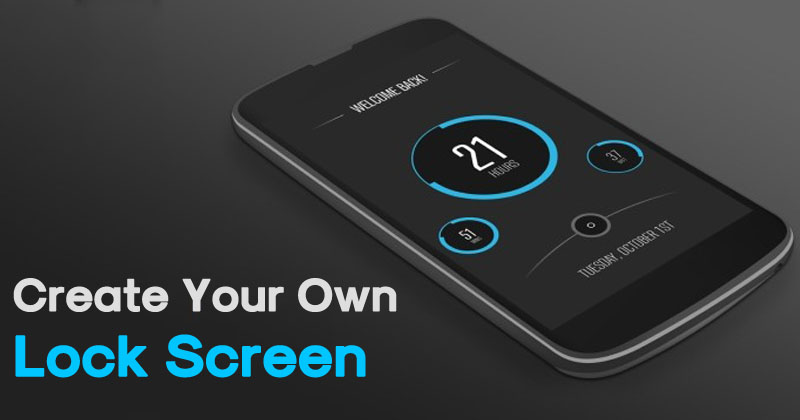
Here in this article, we are going to share another personalization rick that will help you to create your own lock screen on your Android. Well, there are several apps available on Google Play Store which brings a new lock screen. However, what about creating your own lock screen?
You can easily create your self-designed lock screen on your Android device. Guess what? the tutorial is going to be a super easy because it doesn’t ask for root permissions. So, let’s know how to create your own lock screen on Android.
How To Create Your Own Lock Screen On Android
1) To start, download and install Lock Screen Club My Locker app on your Android device from Google Play Store.

2) After installing the app, launch it. You need to grant every permission it asks. Just tap on the “Agree” button to continue.
3) In the next window, you will be asked to set MyLocker as the default lock screen app. Just tap on “Ok”

4) You will see the main panel of MyLocker app. Here you can create your theme or choose from the existing one. If you to create your own theme tap on “New Theme” upload the image.

With the help of My Locker app, you can set your custom clock, date, weather widget on the lock screen. Moreover, you can choose the fonts, colors and it also gives you various kind of unlocking methods.

You just need to explore the app, you will find lots of customization options in MyLocker app. The best thing is, the app doesn’t ask for root access.
This is how you can create your own lock screen on Android. Hope this article helped you share it as much as possible.